Roles
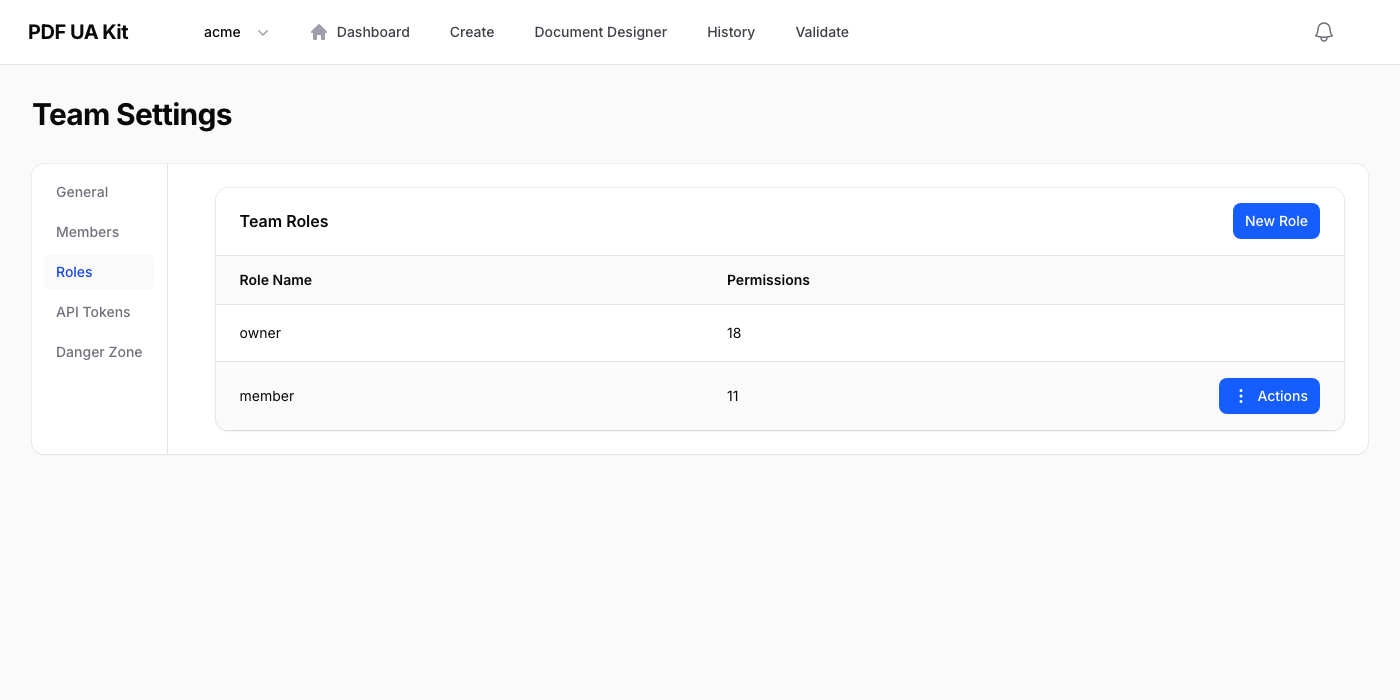
Roles control what each team member can do. Navigate to Settings > Roles to view and manage your team's roles.
Default Roles
Every team comes with these built-in roles:
| Role | Description |
|---|---|
| Owner | Full access to all features and settings. Can manage billing, roles, and members. Every team must have at least one owner. |
| Admin | Can manage members, API tokens, and use all conversion features. Cannot change billing or delete the team. |
| Member | Can use conversion and validation features. Cannot manage team settings or members. |
Custom Roles
Click New role to create a custom role. Give it a name and select the permissions it should have. Permissions are grouped by area:
- Team — Manage team settings
- Members — Invite, remove, and change member roles
- Roles — View, create, edit, and delete roles
- API Tokens — Create and revoke API tokens
- PDF — Create PDFs, validate documents, view conversion and validation history
Editing & Deleting Roles
Use the action menu on any role row to edit its name and permissions, or delete it. The owner role cannot be edited. Roles that are currently assigned to members cannot be deleted — reassign those members first.