API Tokens
API tokens allow you to authenticate requests to the PDF UA Kit API. Tokens are scoped to your team and can be granted specific abilities. Navigate to Settings > API Tokens to manage them.
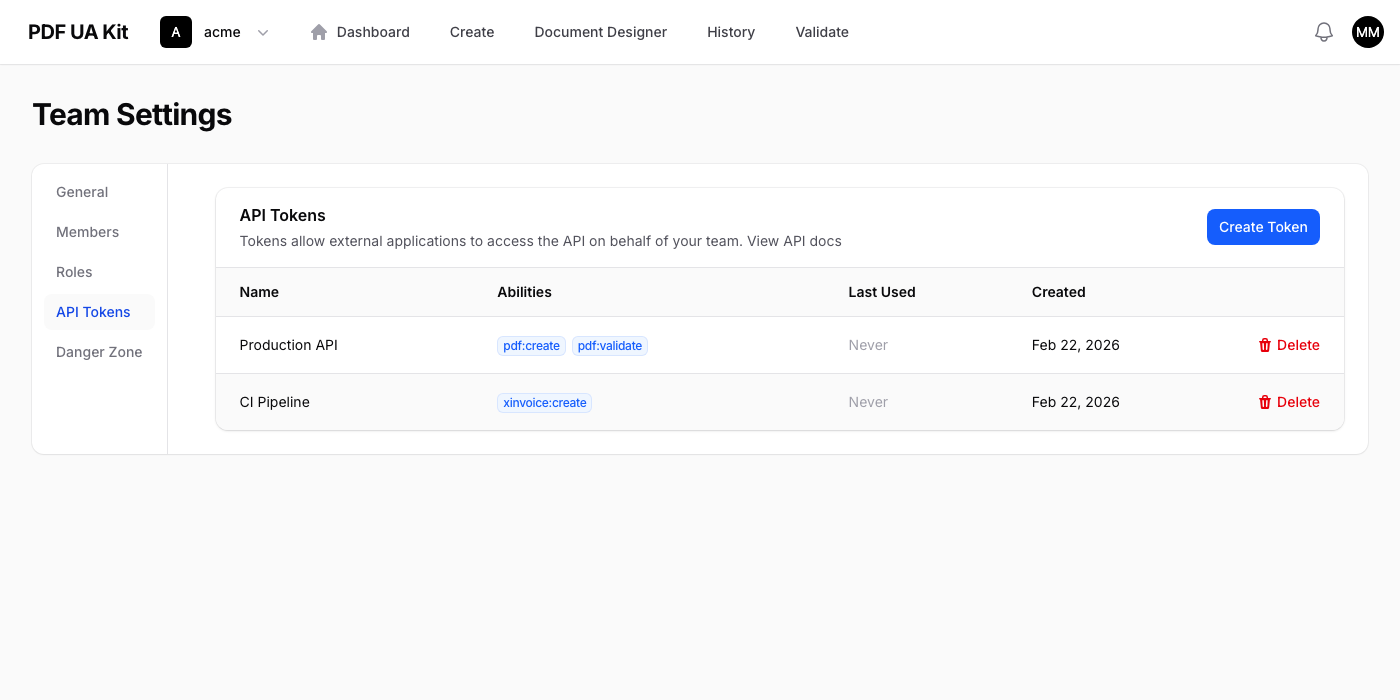
Creating a Token
Click Create Token, enter a name, and select the abilities the token should have:
| Ability | Description |
|---|---|
pdf:create |
Convert HTML to accessible PDF |
pdf:validate |
Validate PDF files against PDF/UA standards |
xinvoice:create |
Generate XInvoice (ZUGFeRD / Factur-X) documents |
member:invite |
Invite new members to the team |
member:remove |
Remove members from the team |
After creation, the token is displayed once. Copy it immediately — it cannot be retrieved later.
Using a Token
Include the token in the Authorization header of every API request:
Authorization: Bearer YOUR_API_TOKEN
For full endpoint documentation, see the interactive API reference.
Revoking Tokens
Delete a token from the table to revoke it immediately. Any API requests using that token will start returning 401 Unauthorized.