Validate PDF
Check your PDF documents against PDF/UA accessibility standards and get a detailed compliance report. For request and response details, see the interactive API documentation.
What Gets Checked
The validation analyzes your PDF against multiple accessibility profiles:
- PDF/UA-1 (ISO 14289-1) — The base standard for universally accessible PDFs.
- PDF/UA-2 (ISO 14289-2) — The updated standard with additional requirements.
- WCAG 2.1 — Web Content Accessibility Guidelines mapped to PDF structure.
Each profile runs its own set of checks covering document structure, tagging, fonts, images, and metadata.
Using the Dashboard
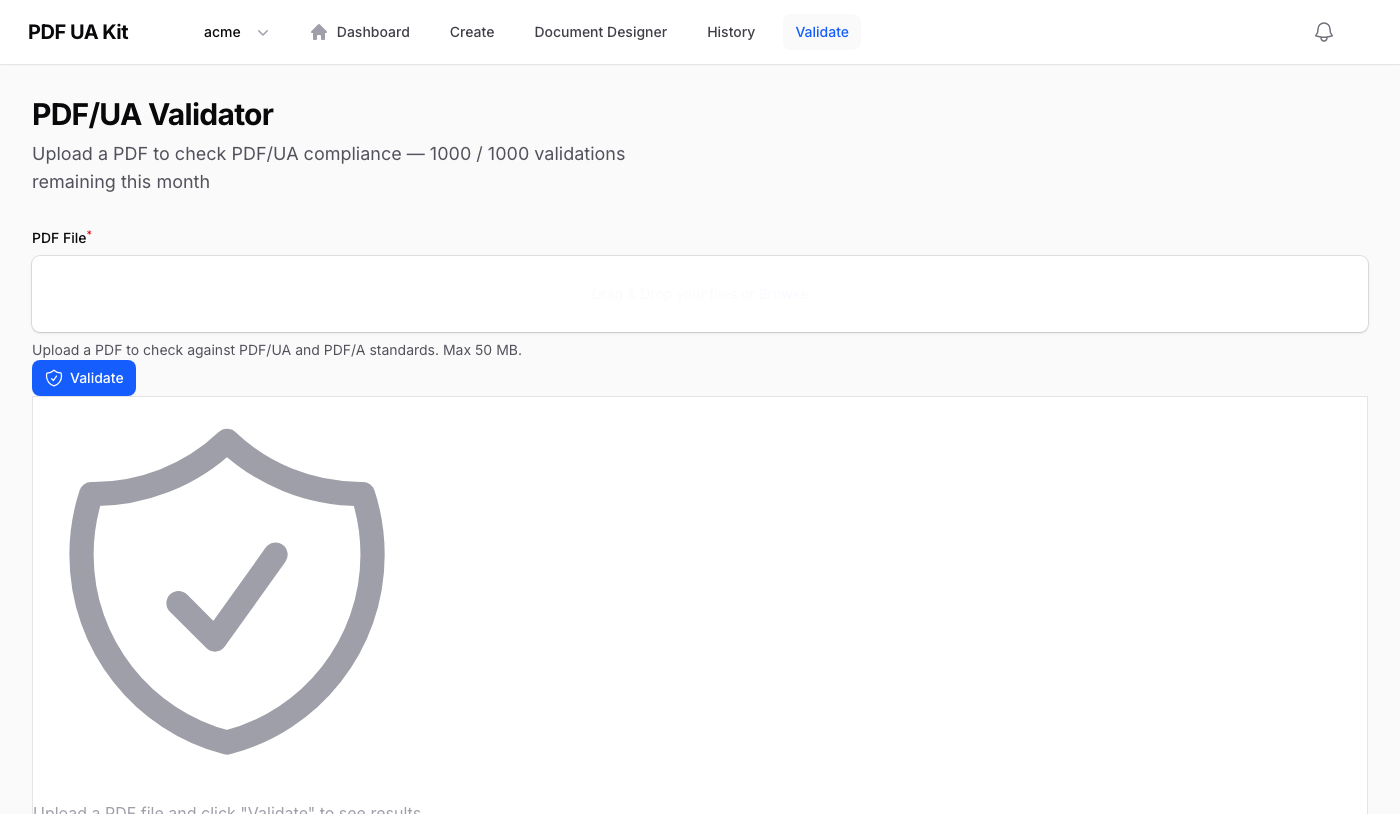
Upload a PDF file on the Validate page and click Validate PDF. The results appear immediately next to the upload area.
Understanding Results
The report includes:
- Compliance status — A clear pass or fail indicator per profile, with the number of passed vs. total checks.
- Document info — Page count, whether the PDF is tagged, document language, and embedded fonts.
- Failed categories — A breakdown of which areas have issues (e.g. structure, metadata, fonts).
- Failure details — Each individual failure with its profile, clause reference, error message, and location in the document.