Dashboard
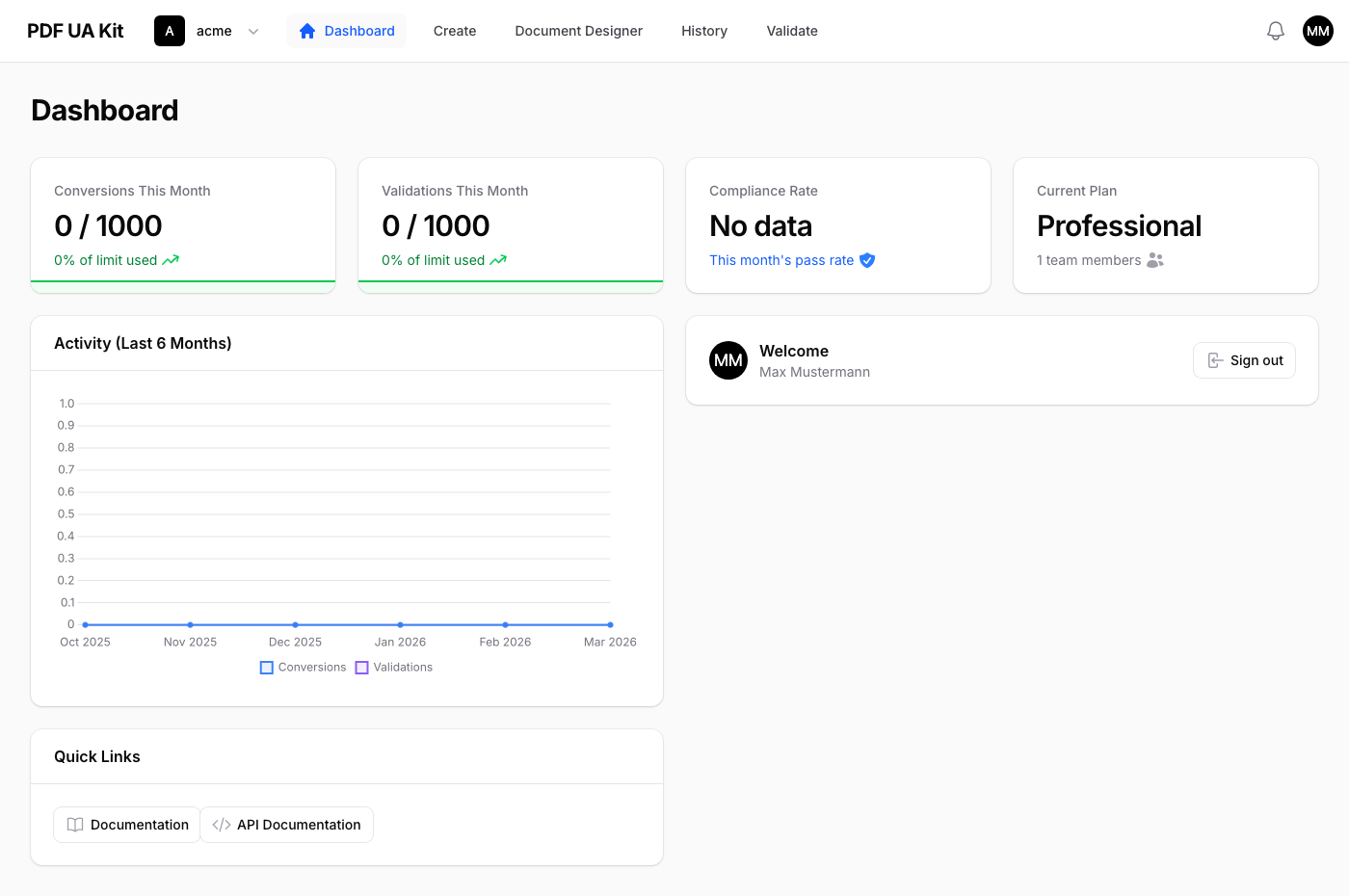
After logging in, you land on your team's dashboard. From here you can access all features of PDF UA Kit.
Features
Create Documents
Convert HTML to accessible, PDF/UA-compliant PDFs or generate XInvoice (ZUGFeRD / Factur-X) documents — all from a single page. Switch between the PDF and XRechnung tabs depending on what you need.
Validate PDFs
Upload a PDF file and check it against PDF/UA standards. You get a detailed compliance report showing whether your document passes and what needs to be fixed.
History
View a log of all your conversions and validations. This helps you track usage and review past results.
Team Settings
Manage your team members, roles, and API tokens. Invite colleagues and control who has access to which features.
API Access
PDF UA Kit also provides a REST API for all features. See the API Reference for details, or visit the interactive API documentation for a full endpoint reference.