Sign Up
Create your account and log in to start using PDF UA Kit.
Create an Account
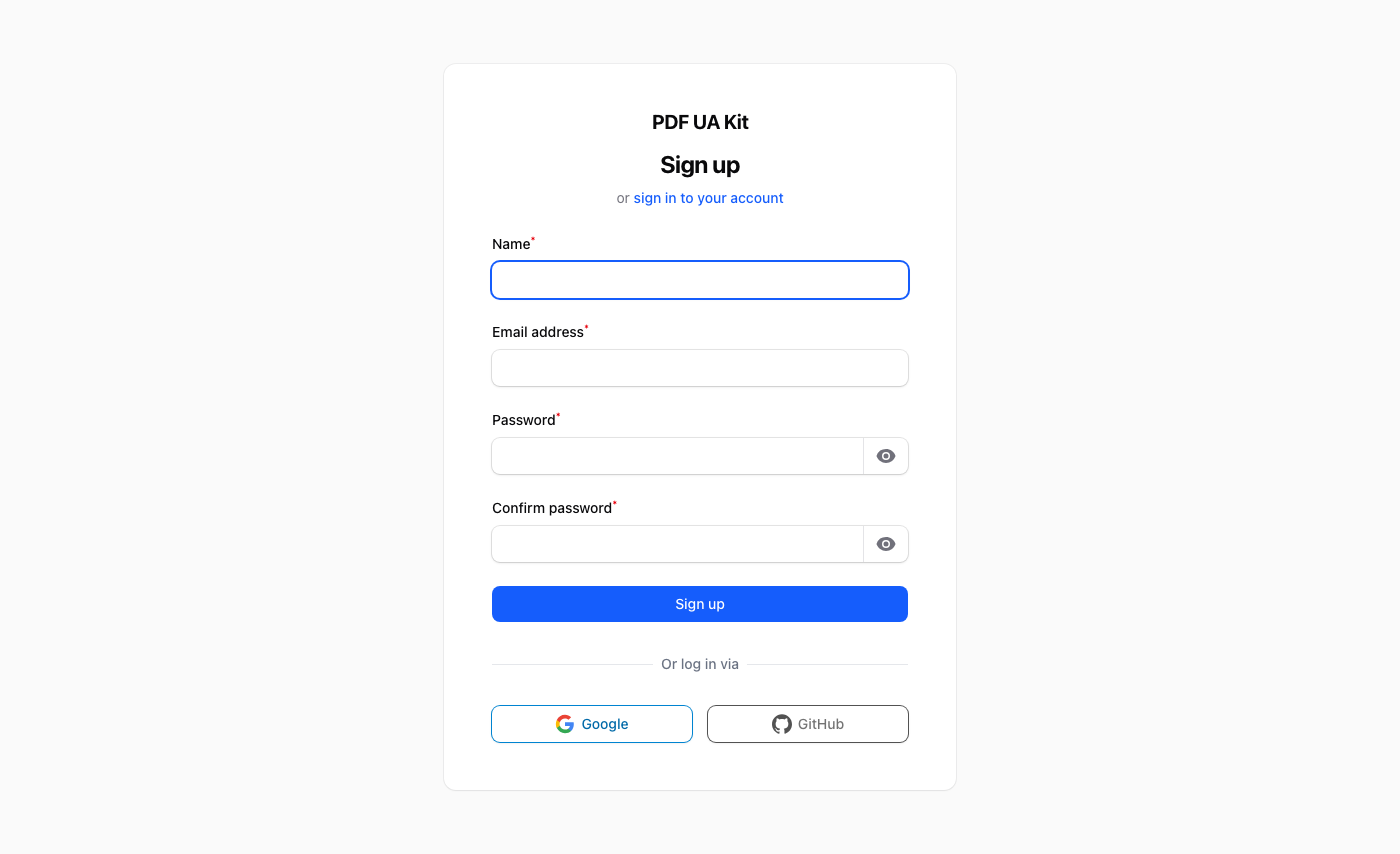
- Visit the PDF UA Kit website and click Get Started.
- Fill in your name, email address, and choose a password.
- After registration you will be asked to create your first team — this is the workspace where your API tokens, templates, and history live.
Log In
Once registered, log in at the login page with your email and password. You will be redirected to your team's dashboard.
Next Steps
Head over to the Dashboard guide to learn what you can do from there.